The platform is what your recruiting stands on: the recruiting software, our public job board and carrier pages, and classes for drivers and dispatchers. Here is what it does for your company. Each tour opens in a new tab.
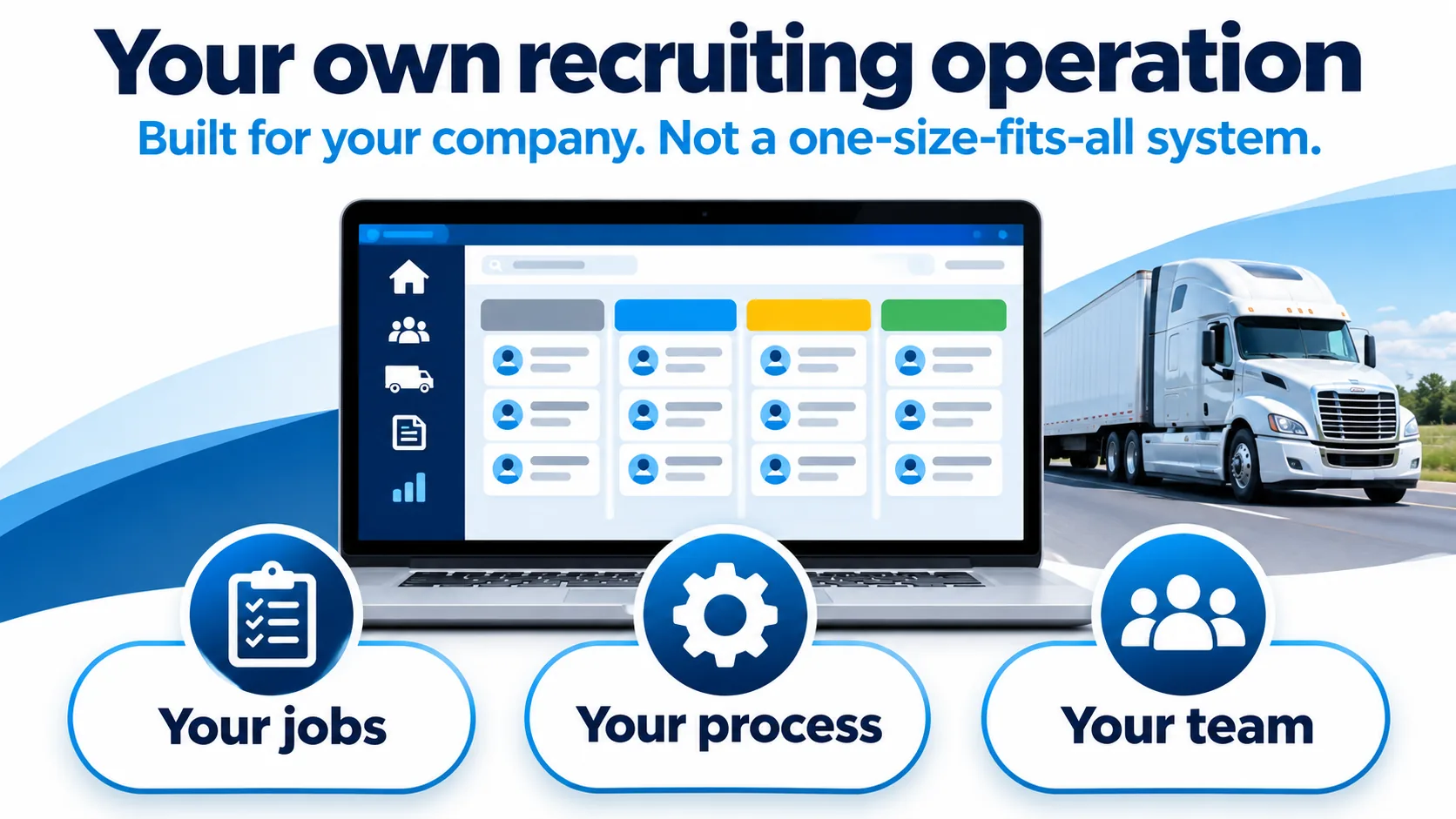
Your own recruiting operation. Built for your company, not a one-size-fits-all system. Your jobs. Your process. Your team.
Your own recruiting operation
Your jobs, your hiring steps and your team are set up in the platform for your company, with ready-made emails written for your jobs.
Real ATS2 screens, sample drivers
Tap or click a screen to open it full size.
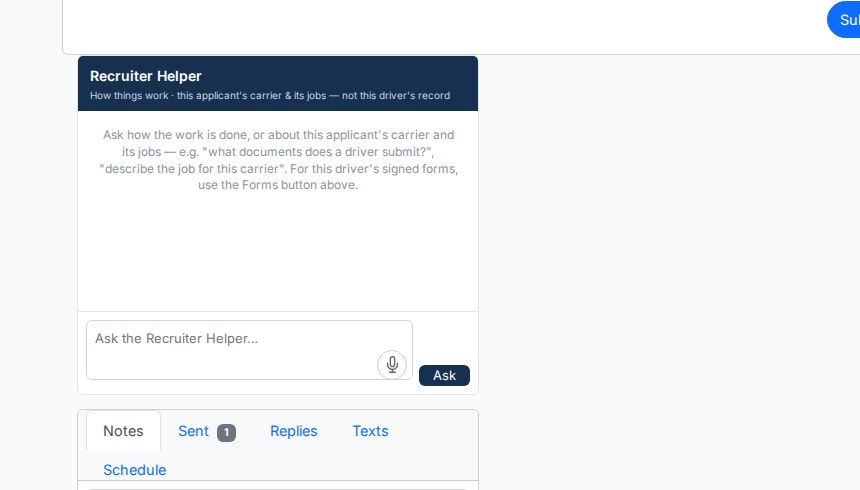
Real ATS2 screen: the recruiter helper answers from your company’s own jobs and requirements.
Your jobs, your application forms and your hiring stages. Recruiters send emails already written for your company and your jobs with one click, and your own people sign in to see your drivers.
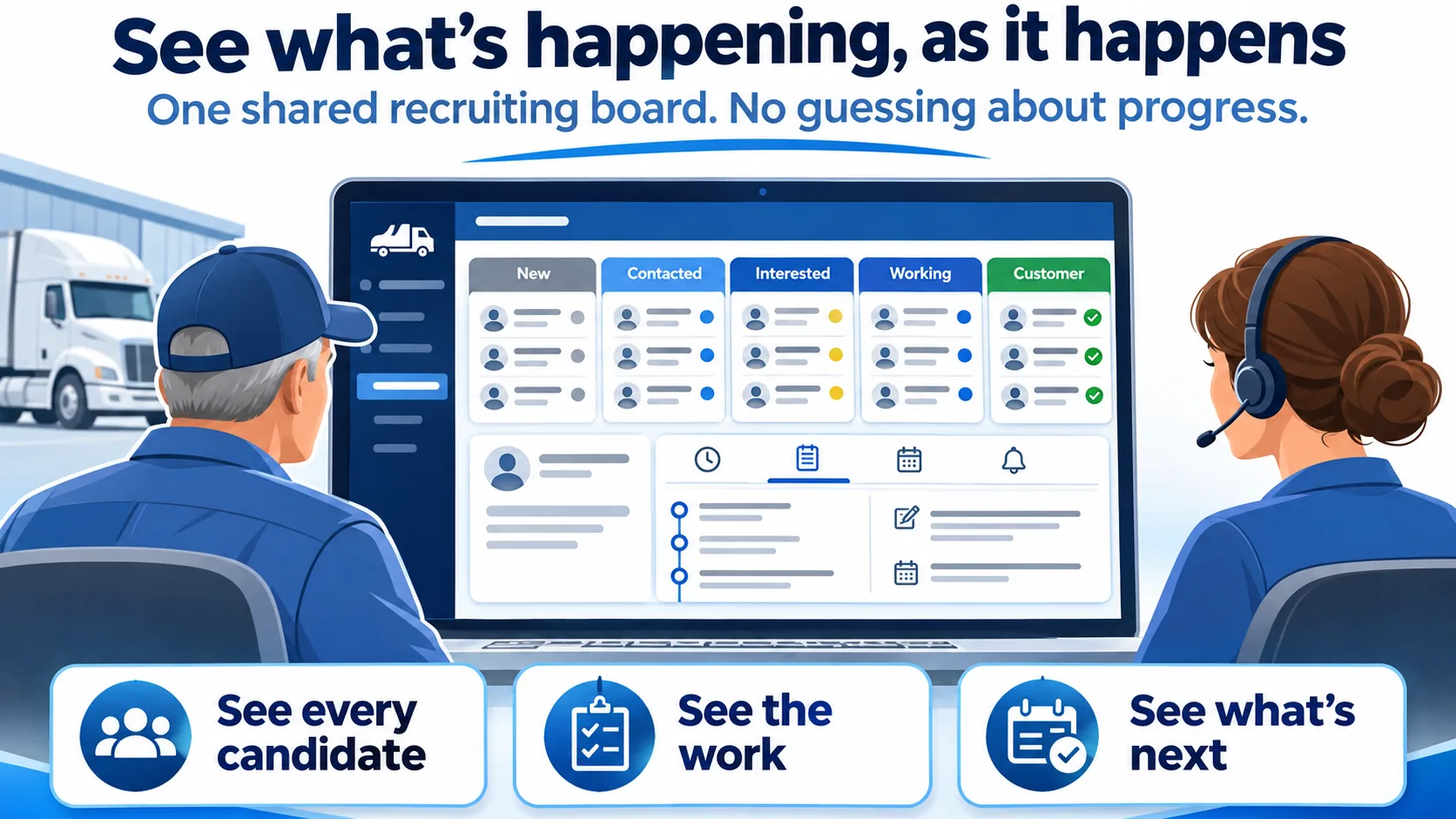
See what's happening, as it happens. One shared recruiting board, no guessing about progress. See every candidate. See the work. See what's next.
See what’s happening, as it happens
Our recruiters and your team work from the same board, so both sides see every candidate, the work done and the next step without phone tag.
Real ATS2 screens, sample drivers
Tap or click a screen to open it full size.
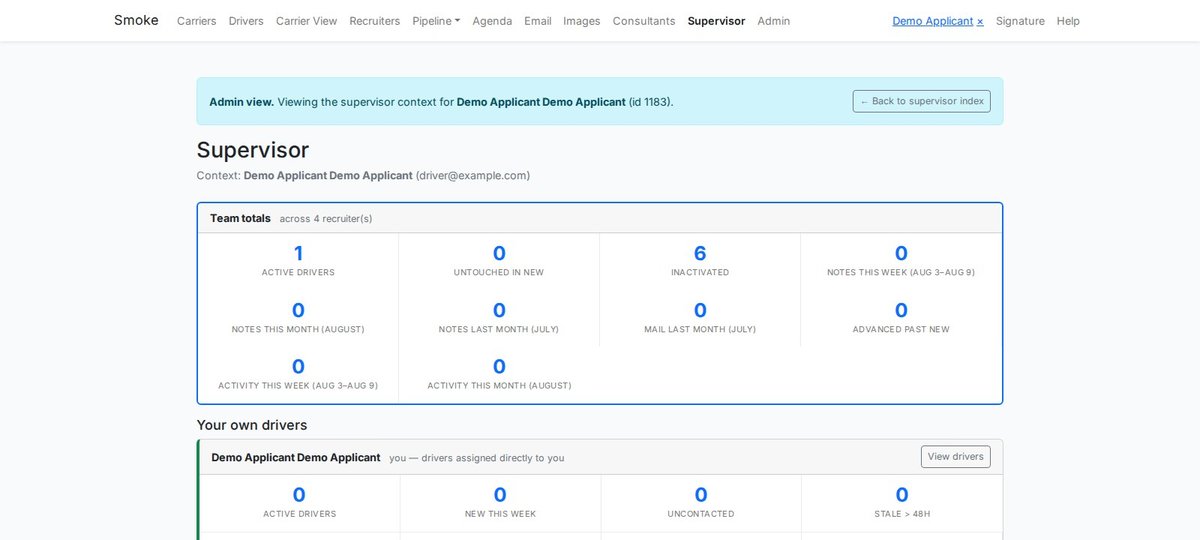
Real ATS2 screen: the activity totals managers see.
Drivers move across five stages: Assessing / Waiting, Info gathering, Signed + docs in, Carrier review and Hired. A change on one side shows on the other right away.
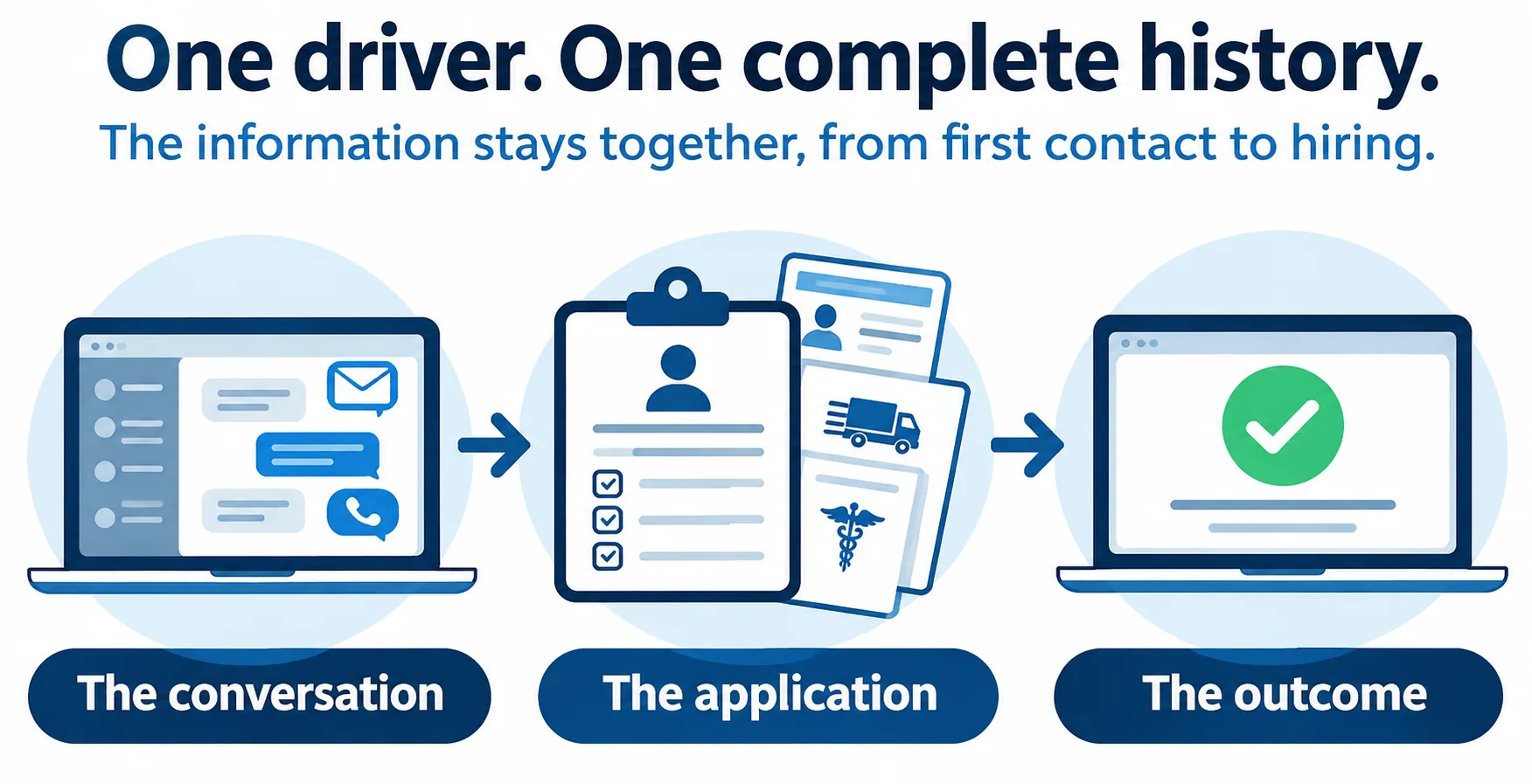
One driver. One complete history. The information stays together, from first contact to hiring. The conversation. The application. The outcome.
One driver, one complete history
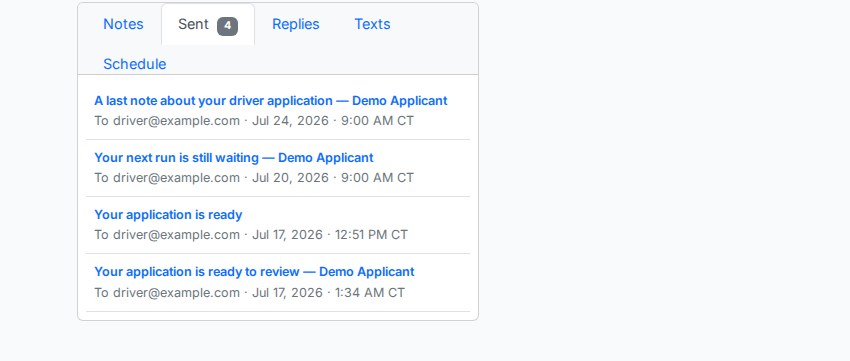
Every call, email, text, document and decision stays on one driver record, from first contact to hire. Driver files stay inside the platform, out of email.
Real ATS2 screens, sample drivers
Tap or click a screen to open it full size.
Real ATS2 screen: every email logged on the record.The carrier-ready package your safety department receives.
Driver files hold licenses, medical cards and signed forms. Email is a poor way to move them. Messages get forwarded to the wrong person and read by people who should not see them. Scammers copy them through phishing. In the platform they stay behind a sign-in, and your people see only your drivers.
Your safety department receives the package and runs its own checks and the hiring decision.
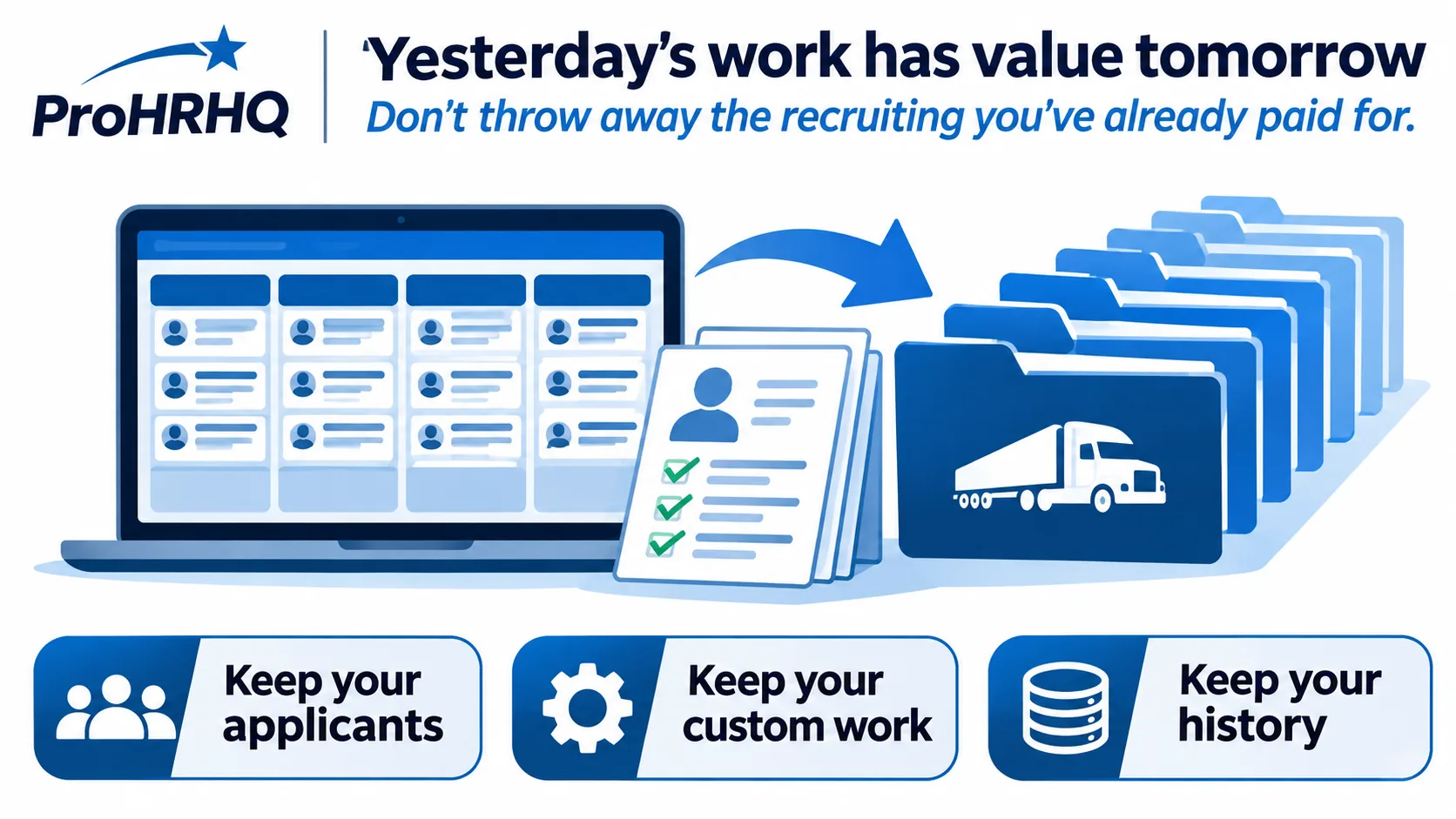
Yesterday's work has value tomorrow. Don't throw away the recruiting you've already paid for. Keep your applicants. Keep your custom work. Keep your history.
Yesterday’s work has value tomorrow
Applicants, your custom setup and every record’s history stay on file, so the recruiting you have already paid for keeps working.
How past applicants come back
Inactive drivers and earlier leads sit in one list. One click puts a driver back on your board without creating a duplicate.
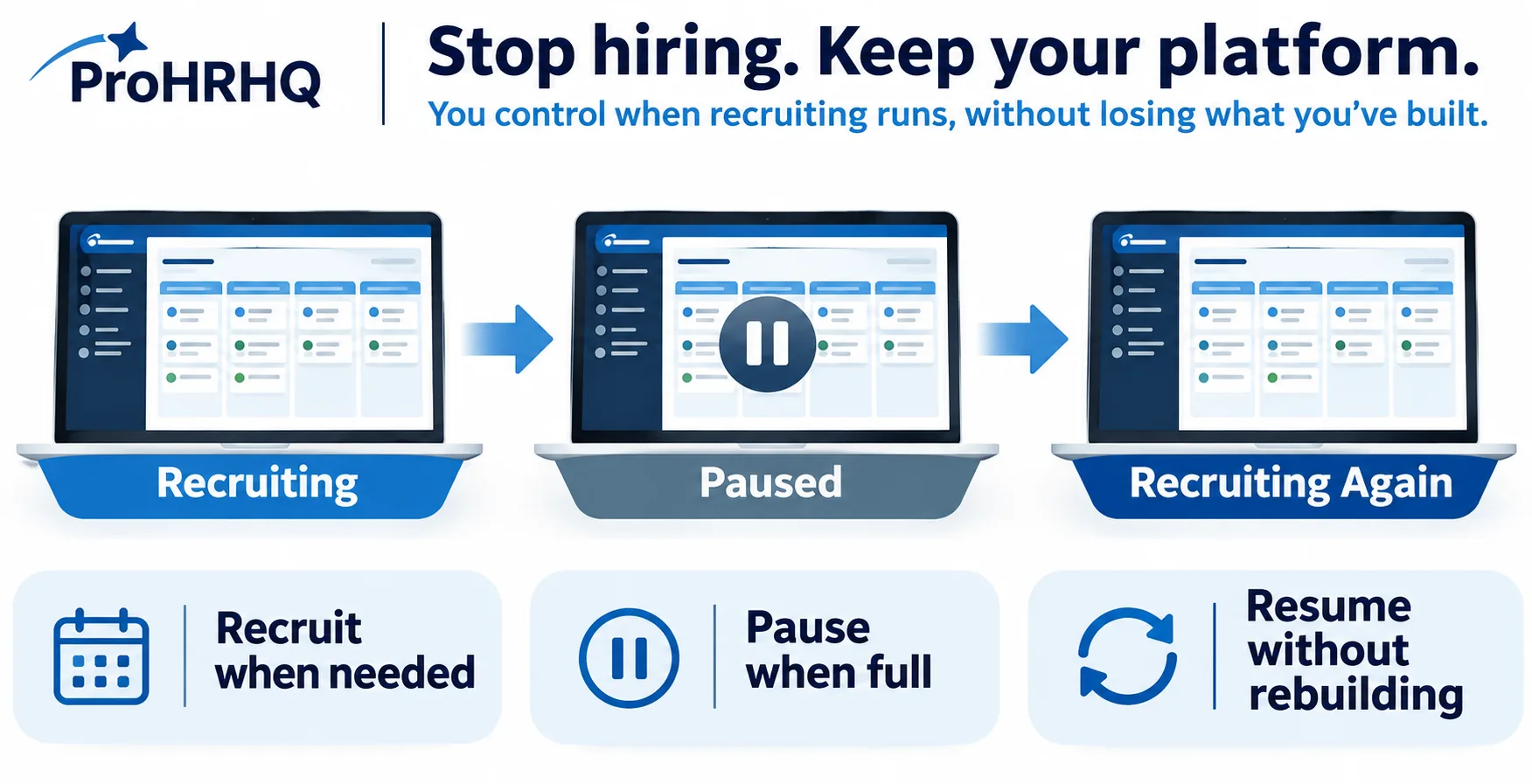
Stop hiring. Keep your platform. You control when recruiting runs, without losing what you've built. Recruit when needed. Pause when full. Resume without rebuilding.
Stop hiring, keep your platform
When your seats are full, recruiting pauses and new applications stop. Your boards, setup and history stay in place for the next opening.
What happens during a pause
Recruiting runs when your company needs drivers. Resuming starts from everything already built, with no rebuilding.
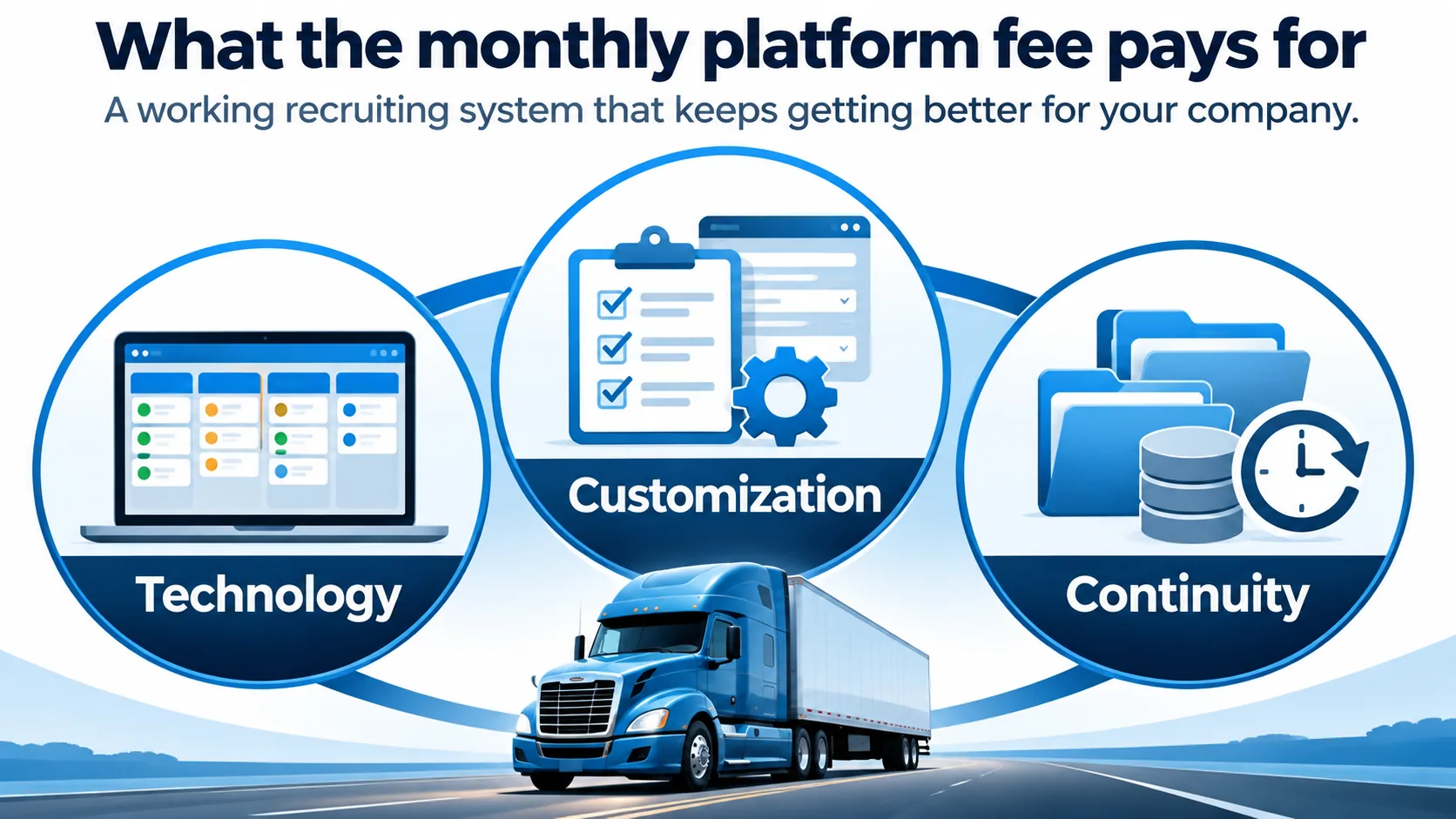
What the monthly platform fee pays for. A working recruiting system that keeps getting better for your company. Technology. Customization. Continuity.
What the monthly platform fee pays for
The platform fee pays for the technology, the setup for your company and the continuity of your records. It is separate from the advertising budget and the per-driver recruiting fee.
The recruiting software: the board, driver records, messages, documents and your company’s portal.
The public base: the job board that lists your jobs for Google Jobs and job sites, and carrier pages and tools that bring drivers and carriers to ProHRHQ.
The classes: free courses for drivers and dispatchers on pre-trip inspection, defensive driving, ELD rules, reading a team offer and dispatching.
Routine setup and updates for your company are part of the platform. New software built only for one company is a separate project.
A recruiting campaign fills today’s seats. Your platform prepares you for the next opening.