Recruiter and carrier guide
How the driver application works
A first-time driver can upload a résumé and let the existing ATS parser prefill the application. The driver then reviews a clear step-by-step application, while recruiters keep the same applicant record, workflow, and document generator already used in the ATS.

The faster first application
Upload your résumé. We fill in what we can.
A first-time driver who has a résumé uploads it after opening the secure link. The same parser recruiters already use reads it and prefills the existing application record—there is no second application system.
The driver can wait about a minute and check again, or start reviewing while parsing continues. The résumé is assistance, not the final answer: the driver reviews every section and fills in required items a résumé normally does not contain.
Returning driver? Keep the saved record and update only what changed—a recent job, address, CDL or medical-card expiration, ticket, accident, education, or qualification.
What the driver sees
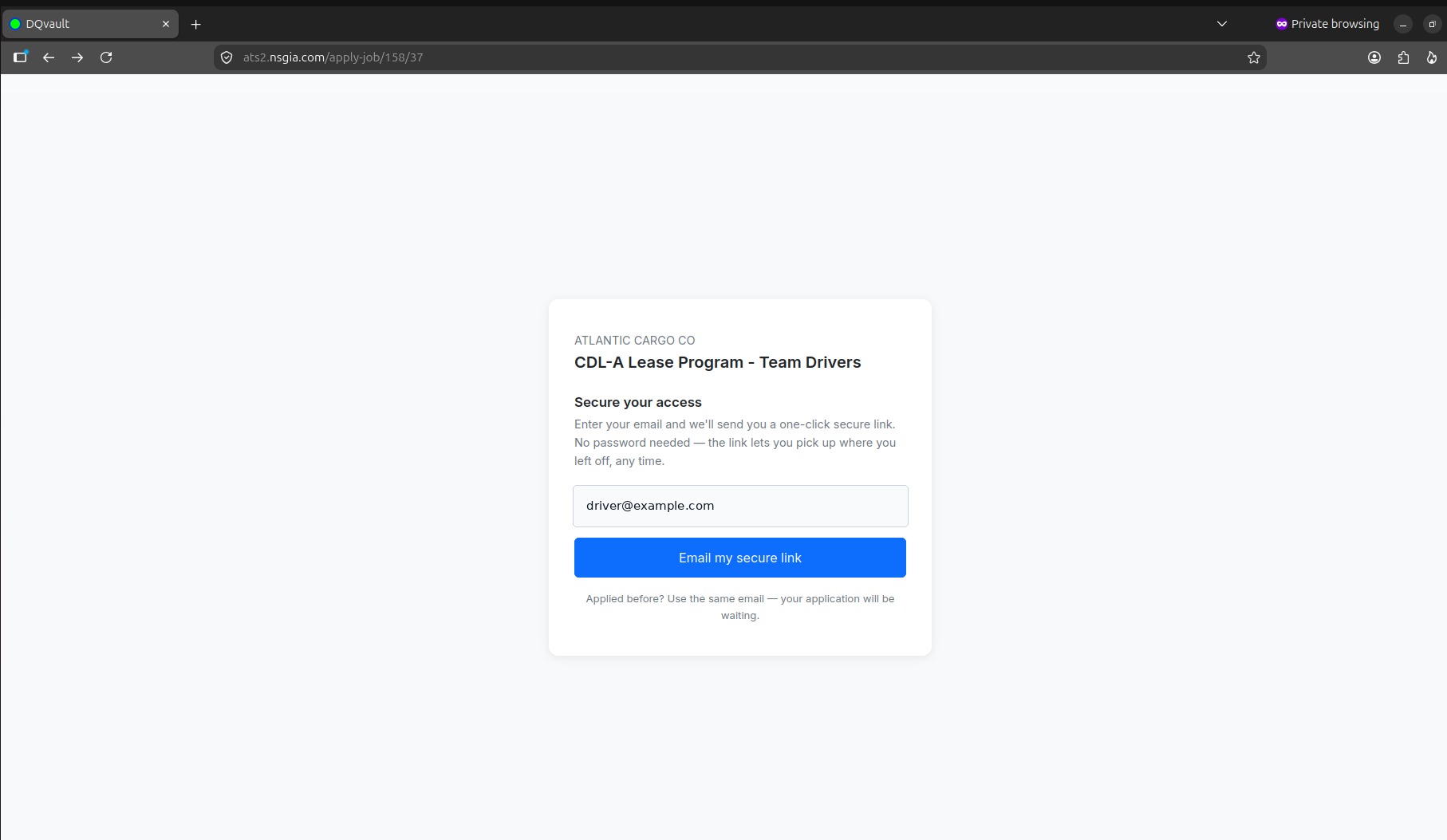
Secure access
Start from the selected job and email a one-click secure link.
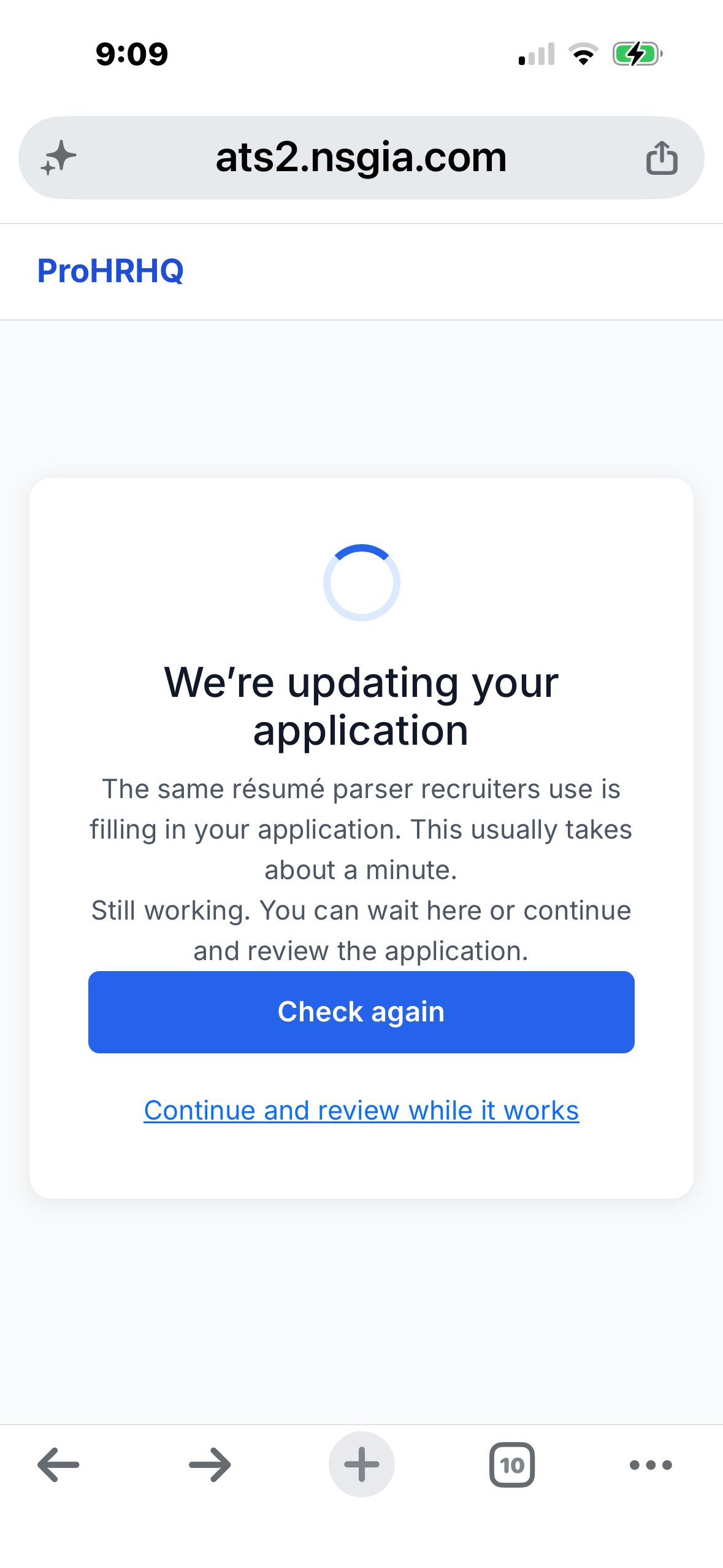
Resume parsing
After a first-time driver uploads a resume, the existing ATS parser fills the same application recruiters use. The driver can wait or begin reviewing while it works.
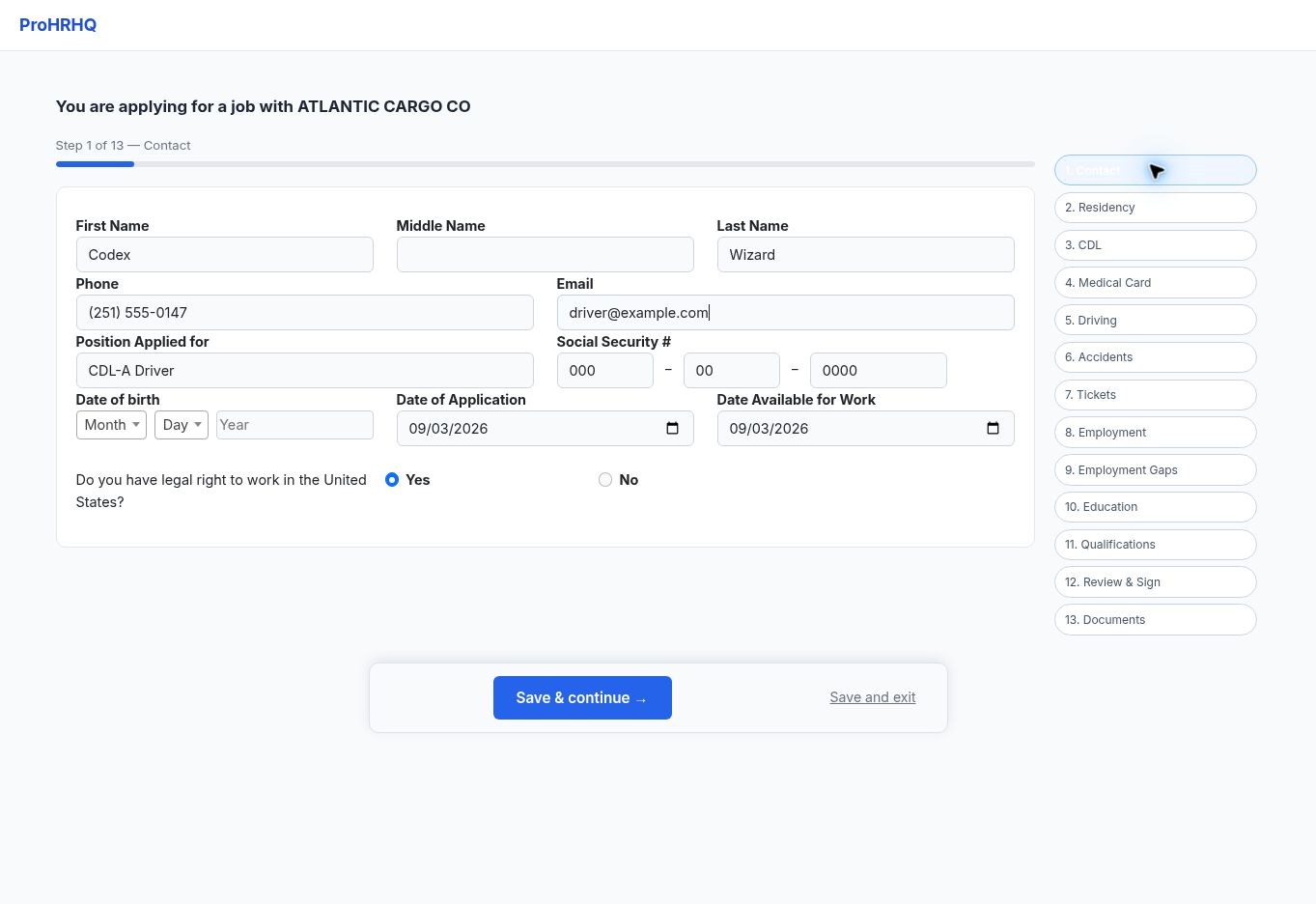
Contact
Review identity, contact details, and work authorization.
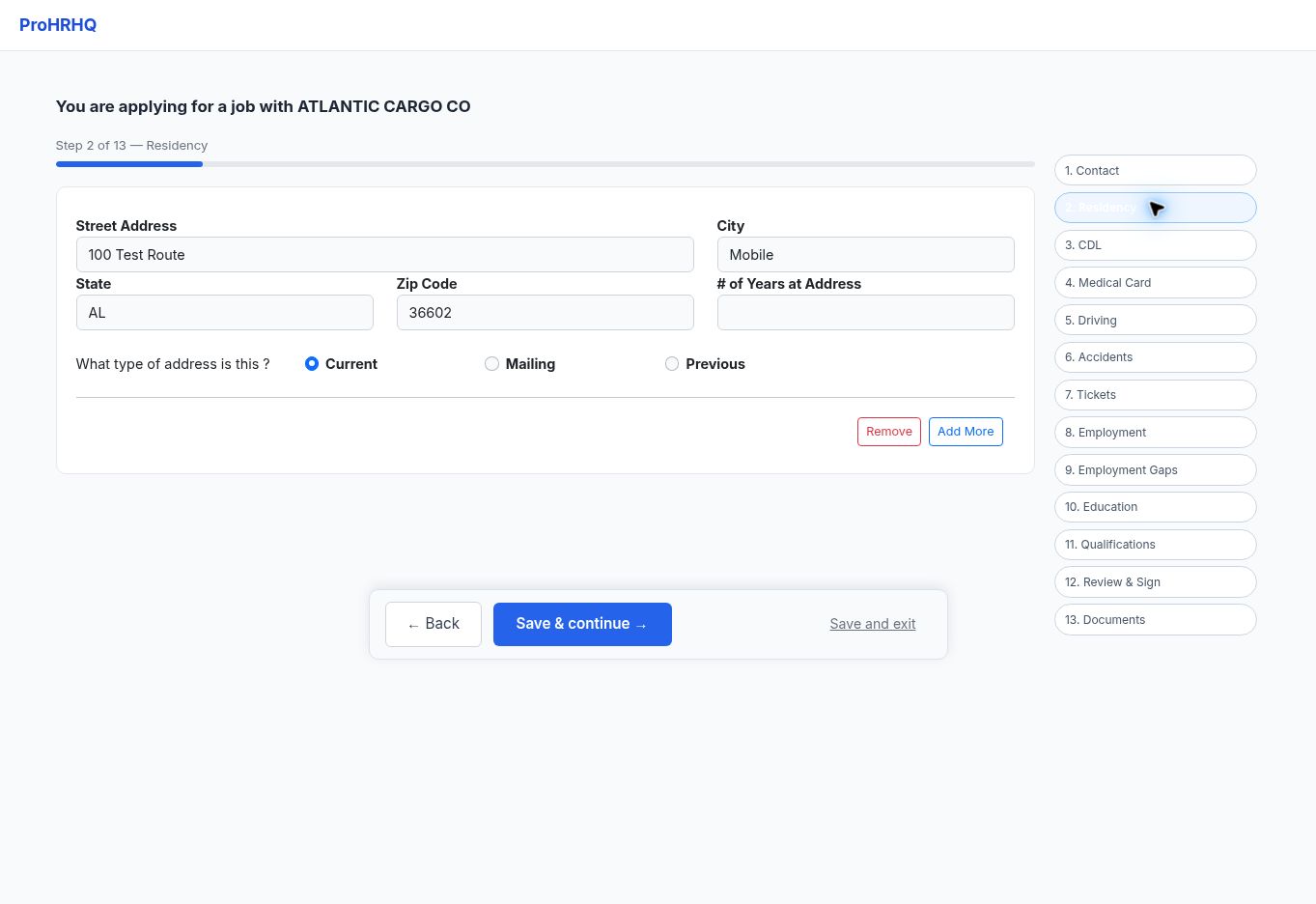
Residency
Enter current and prior addresses.
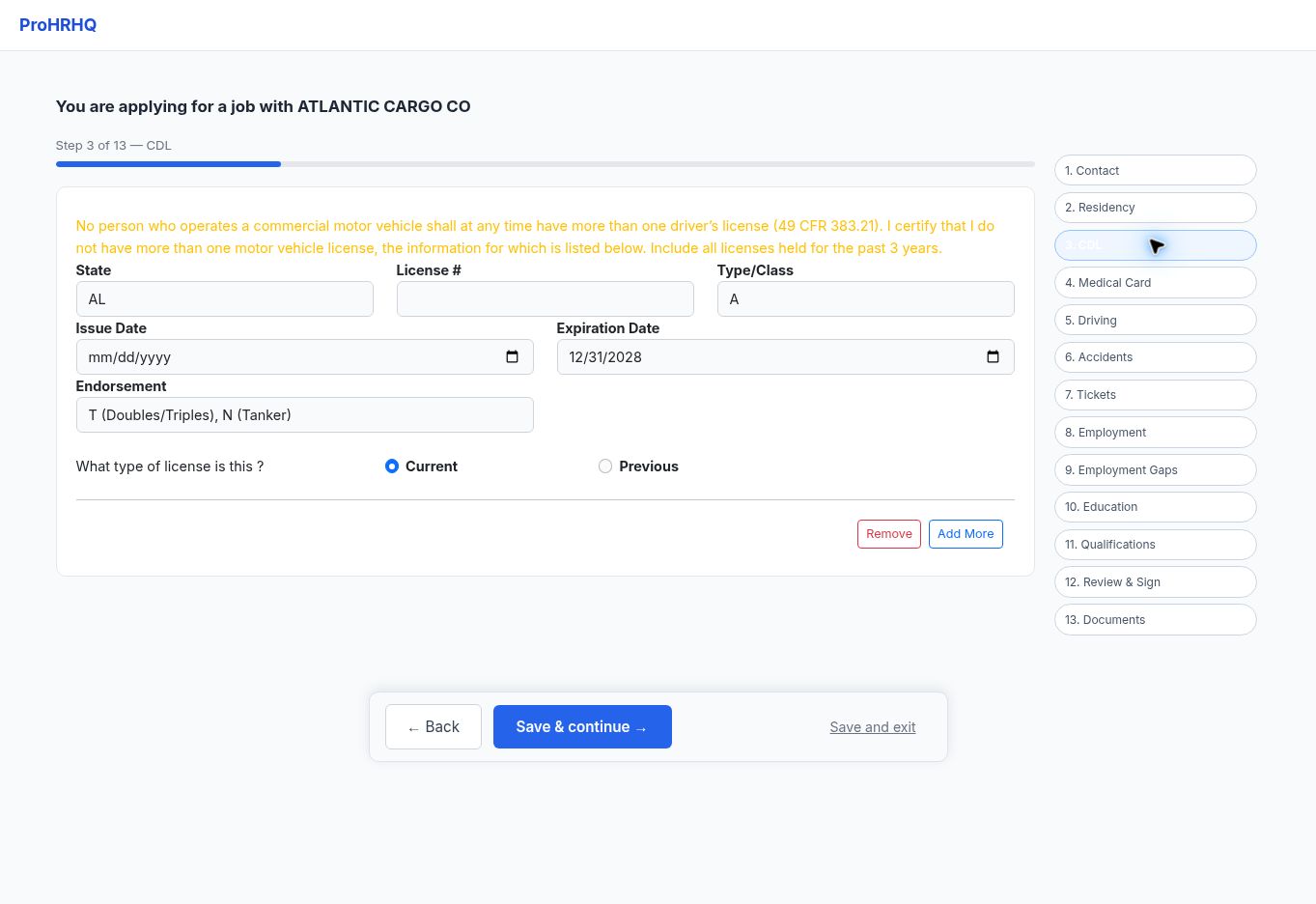
CDL
Review license class, endorsements, restrictions, and expiration.
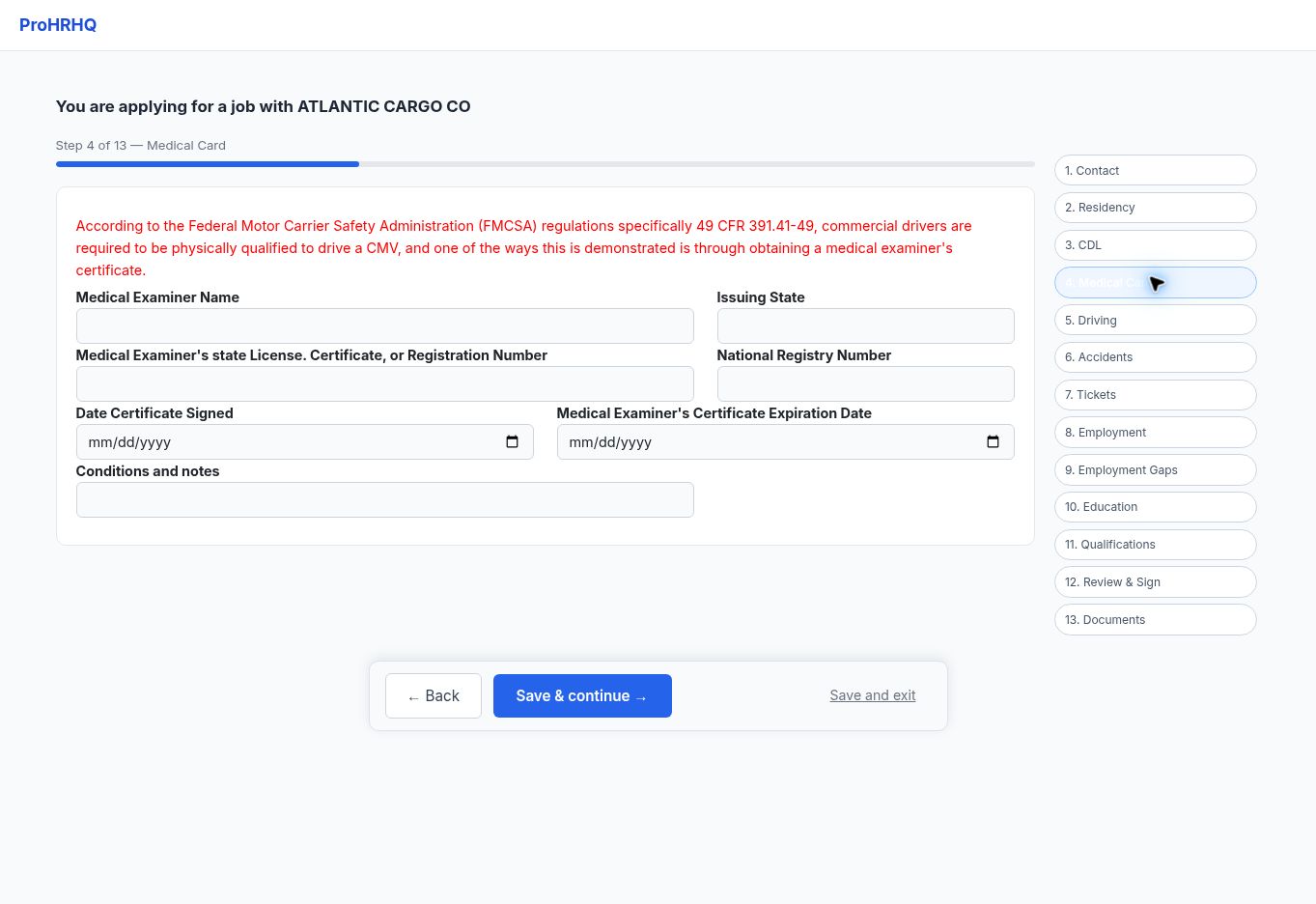
Medical card
Record medical-card status and expiration.
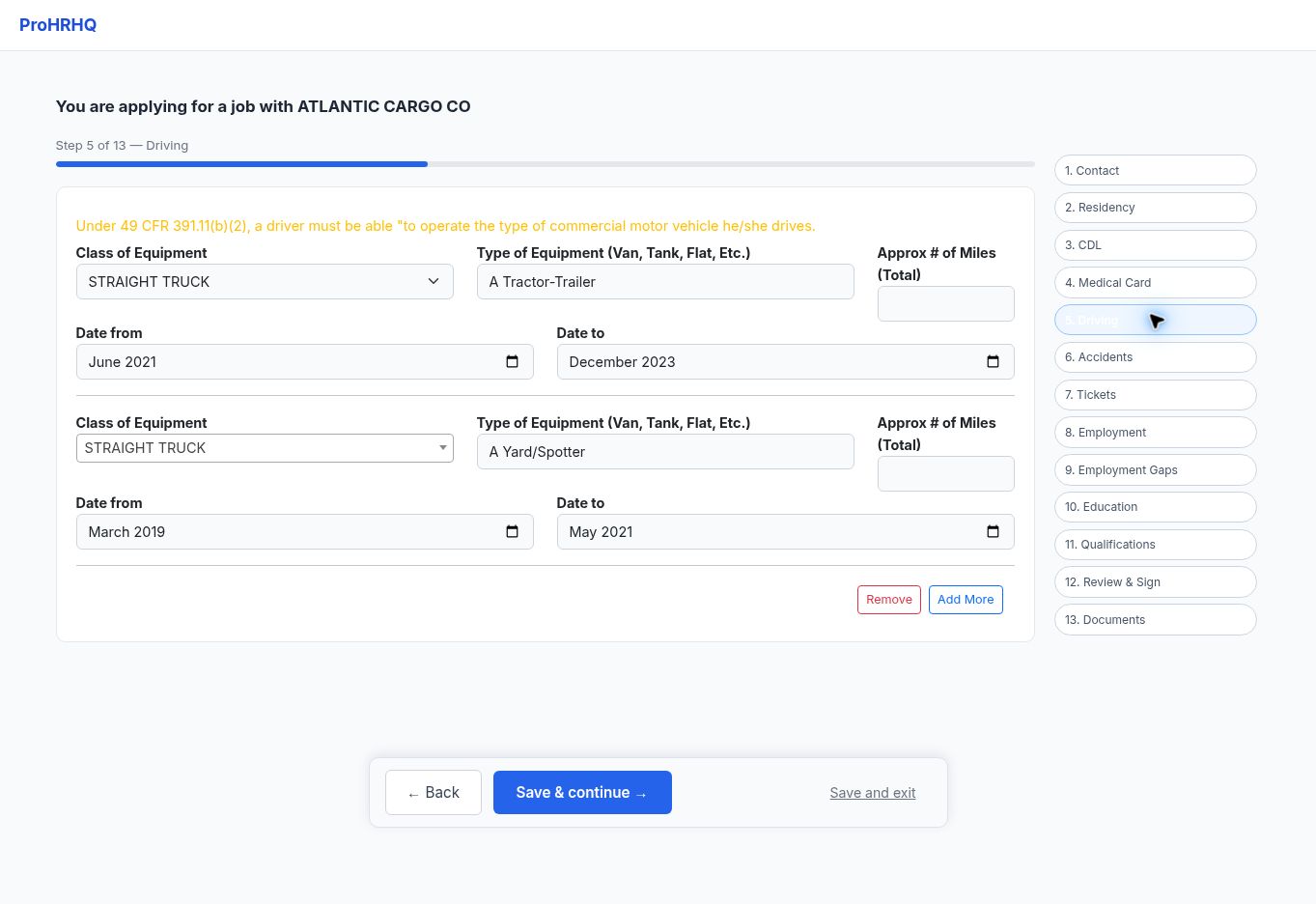
Driving experience
Describe equipment and relevant driving experience.
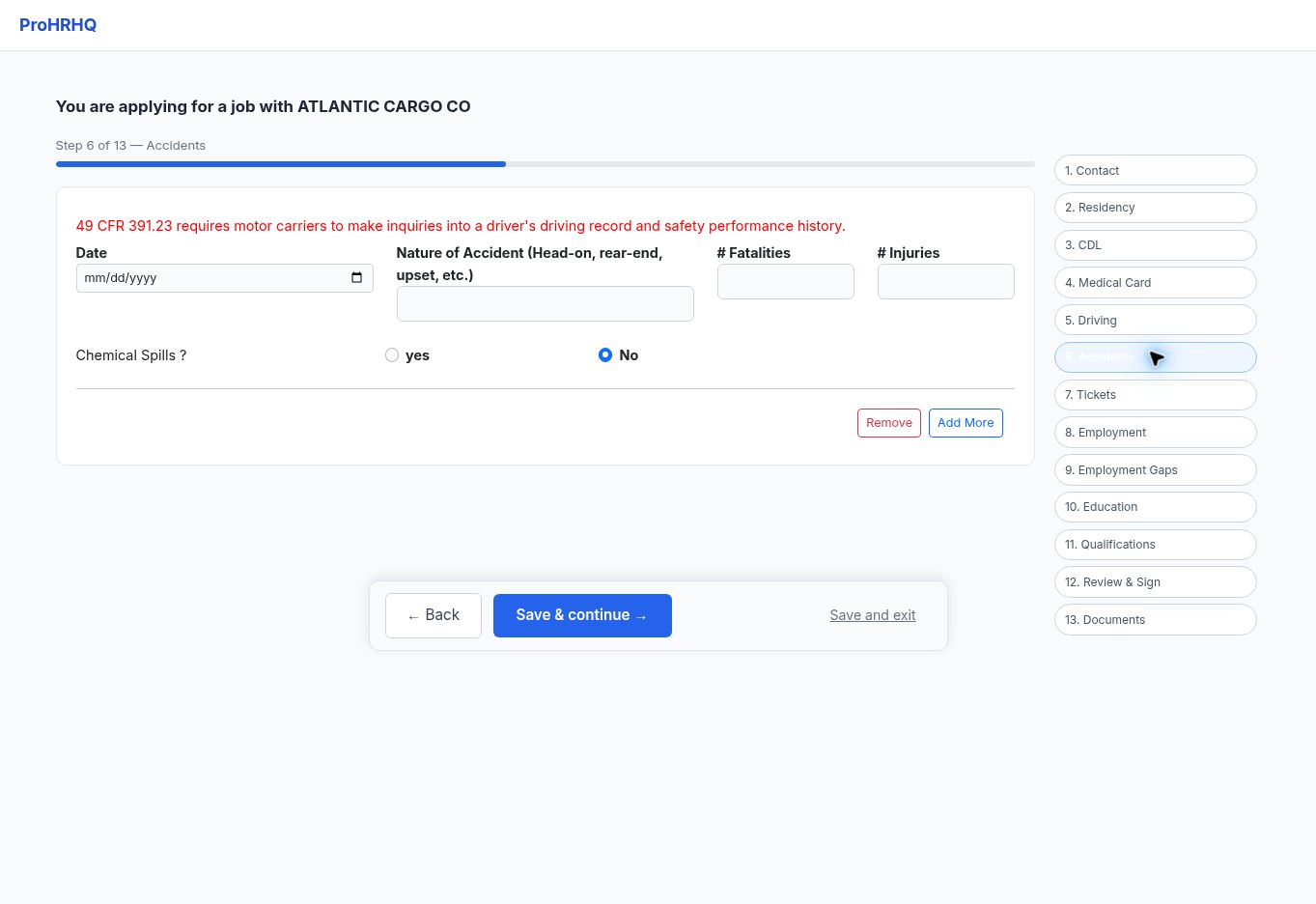
Accidents
Review accidents in the required lookback period.
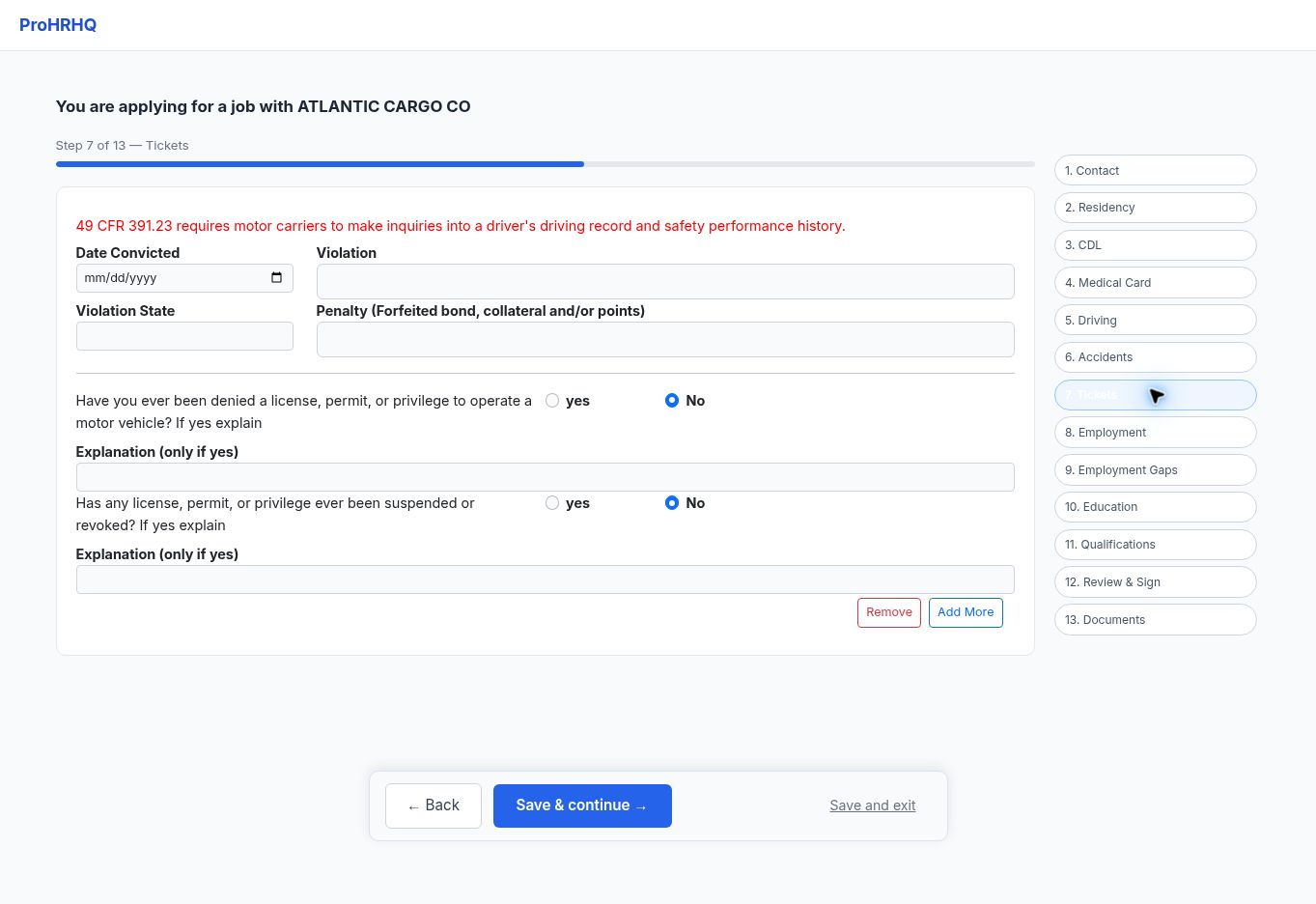
Tickets
Review traffic convictions and forfeitures.
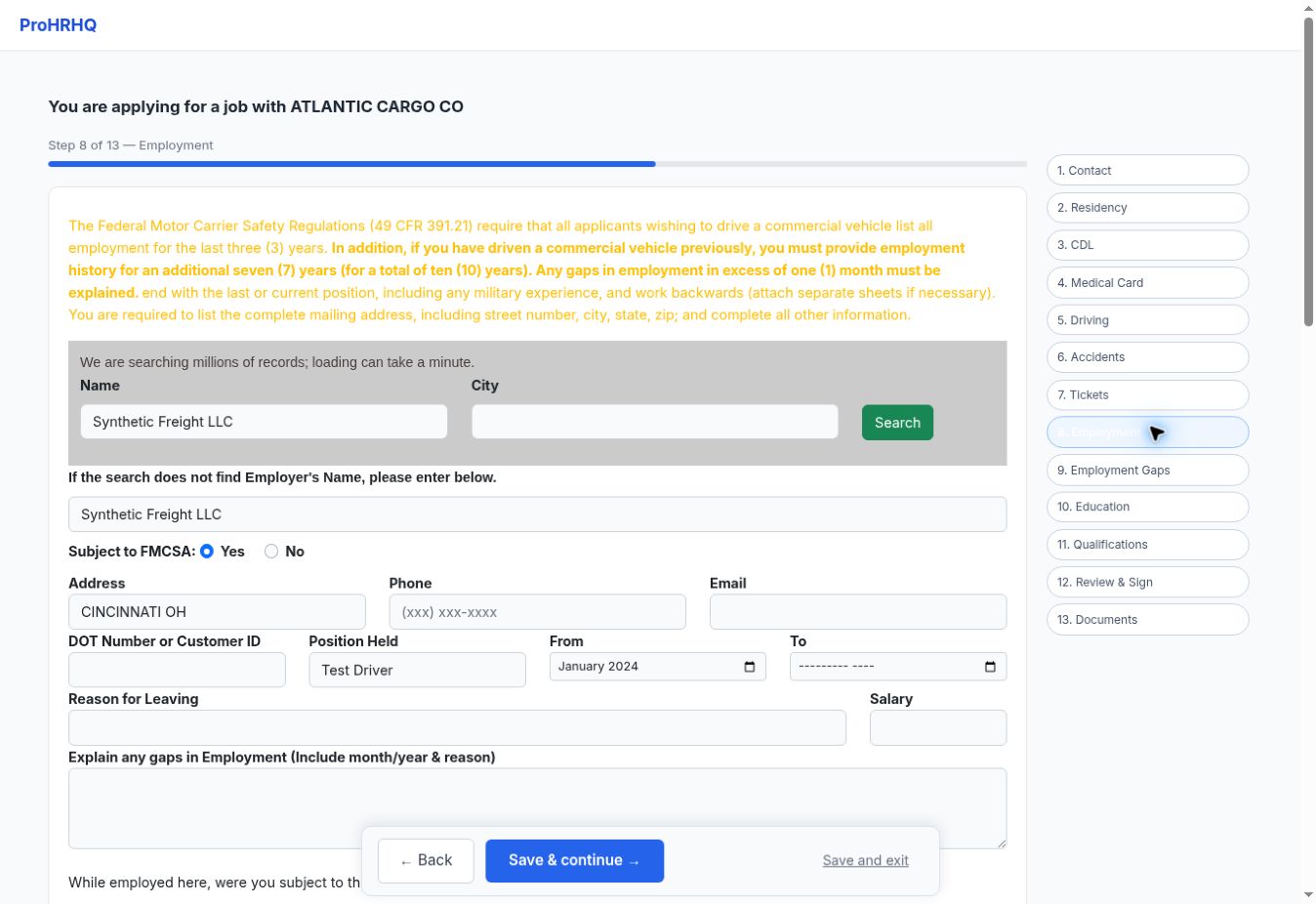
Employment
Update existing employers or add the most recent job.
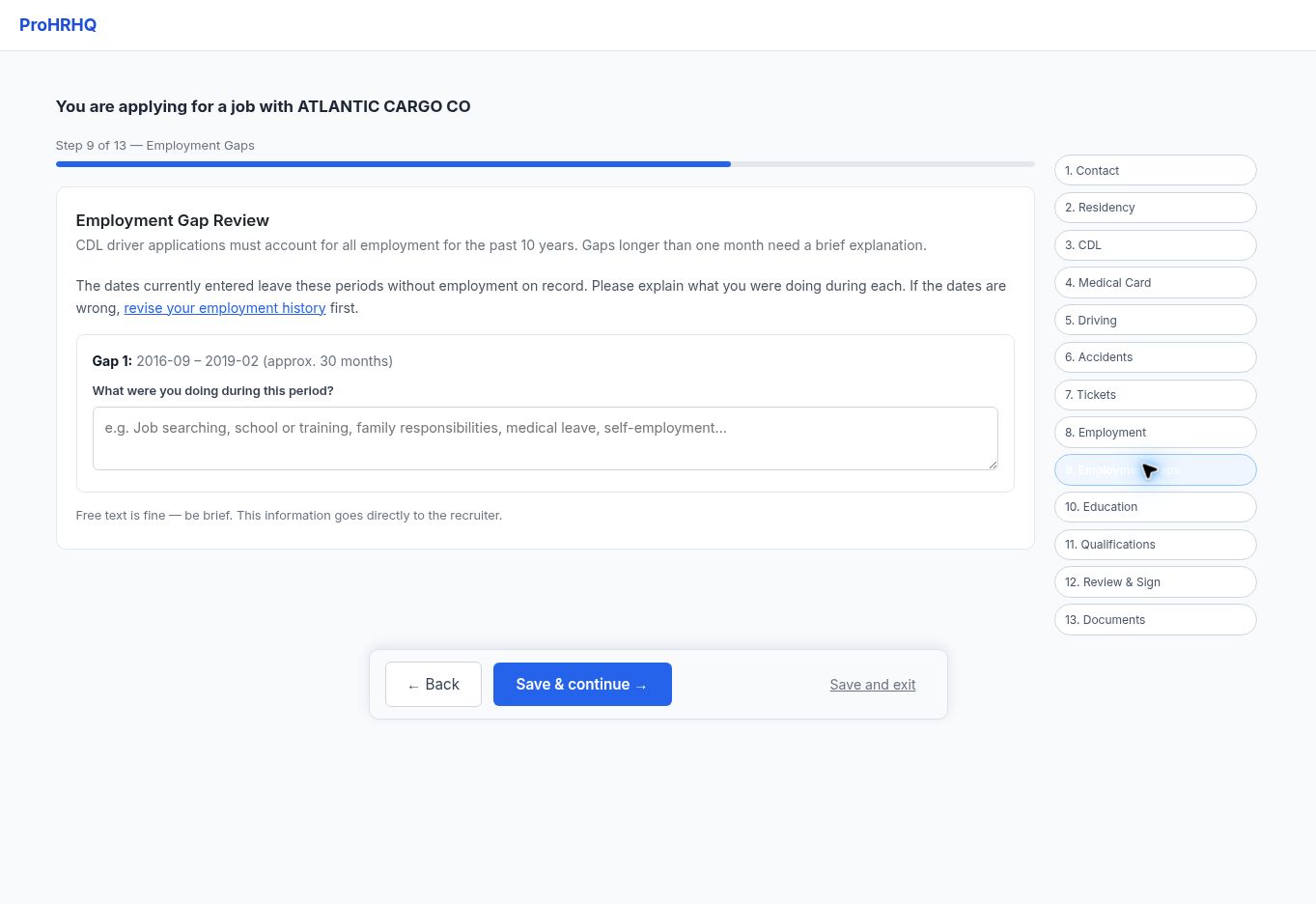
Employment gaps
Explain gaps longer than one month.
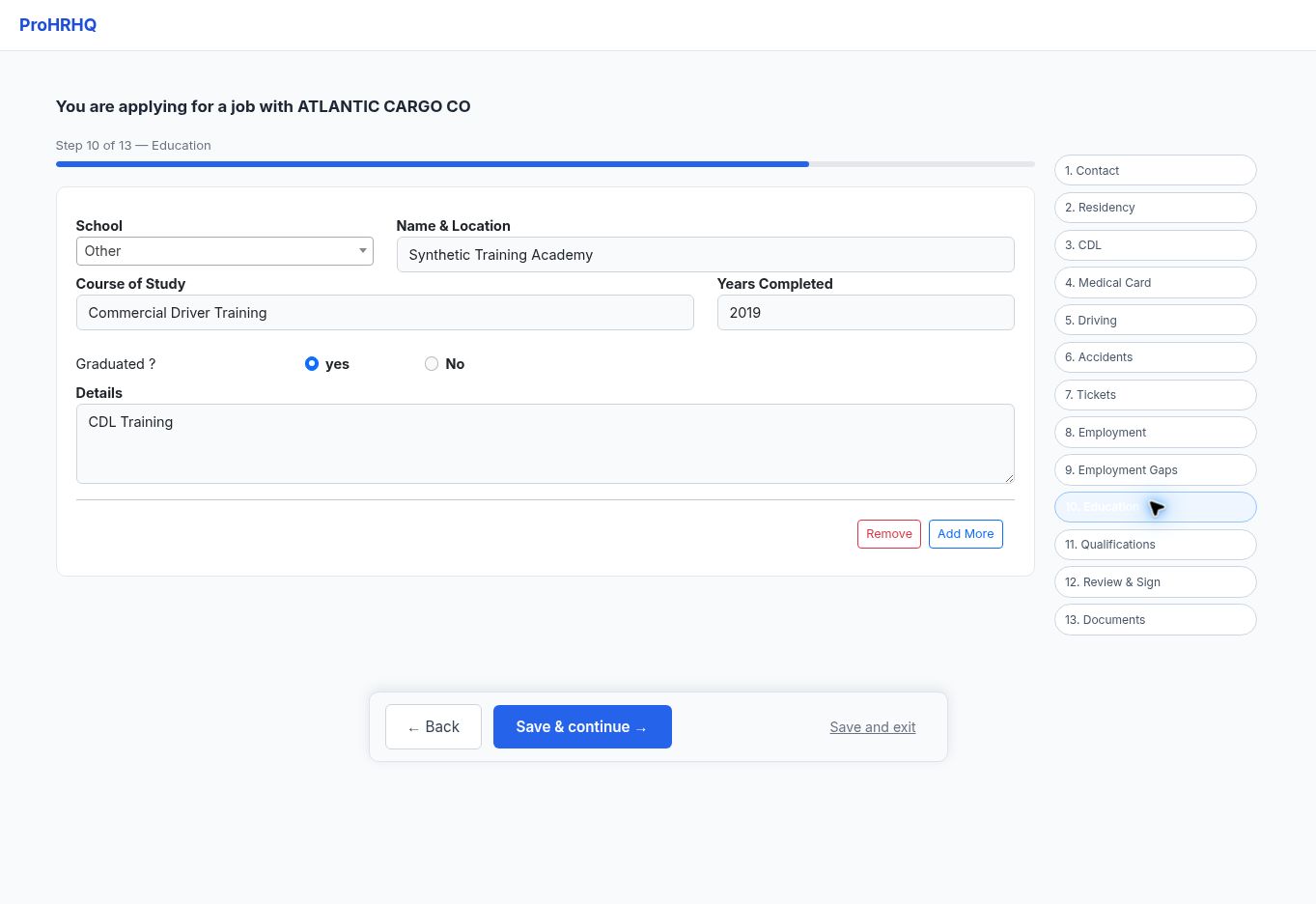
Education
Add schools, training, and relevant education.
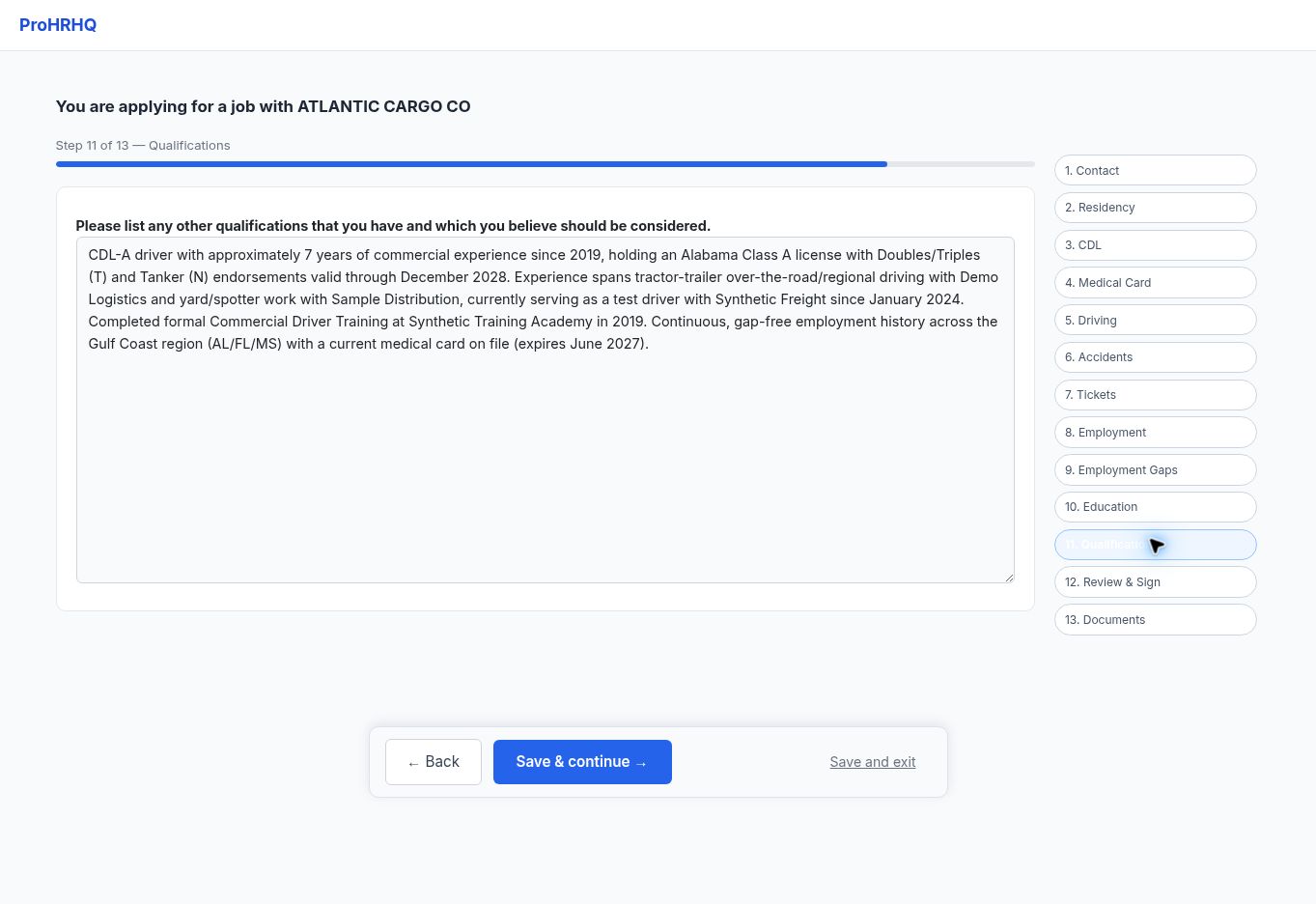
Qualifications
Add other qualifications that may help the application.
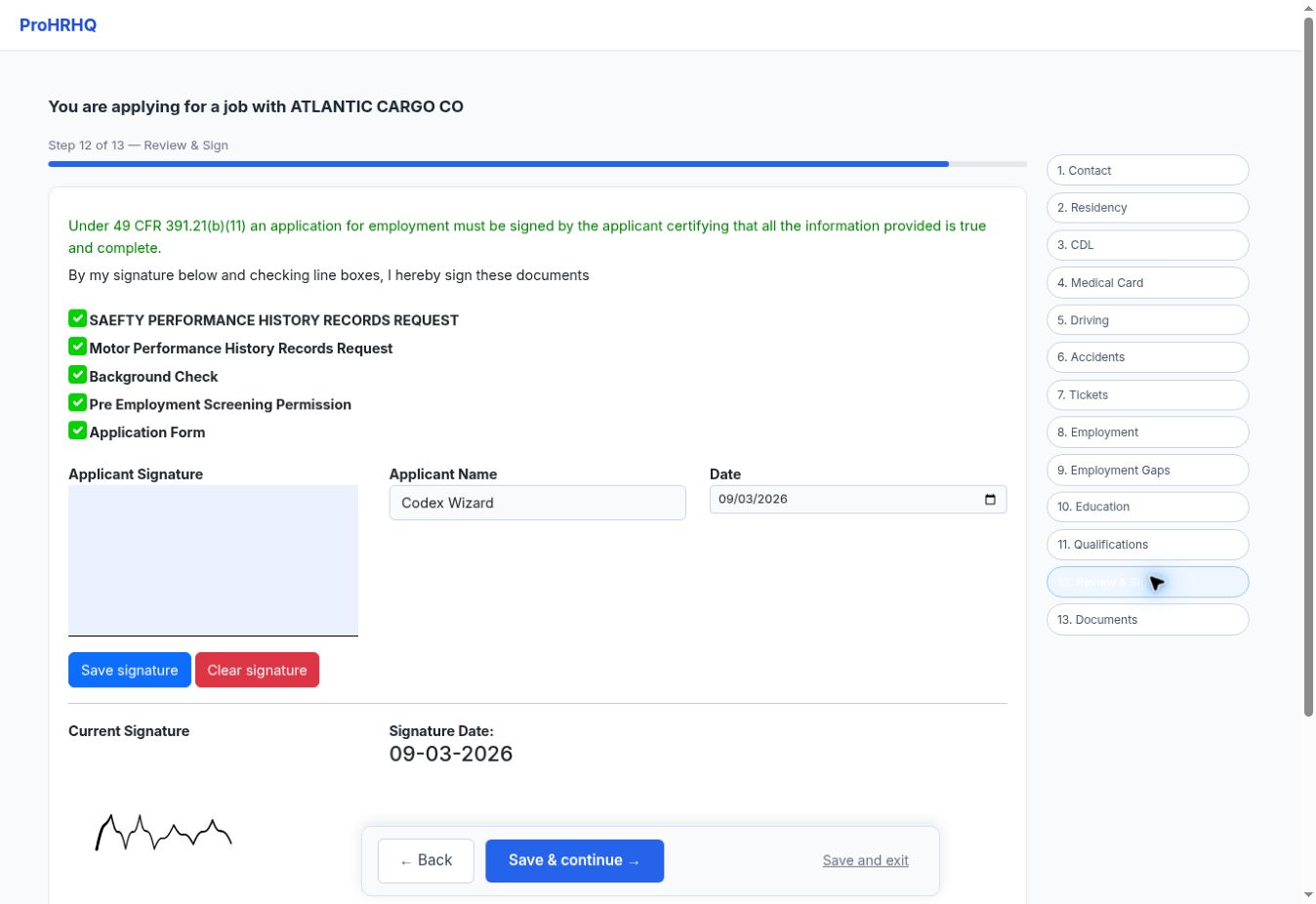
Review and sign
Review authorizations and save the signature.
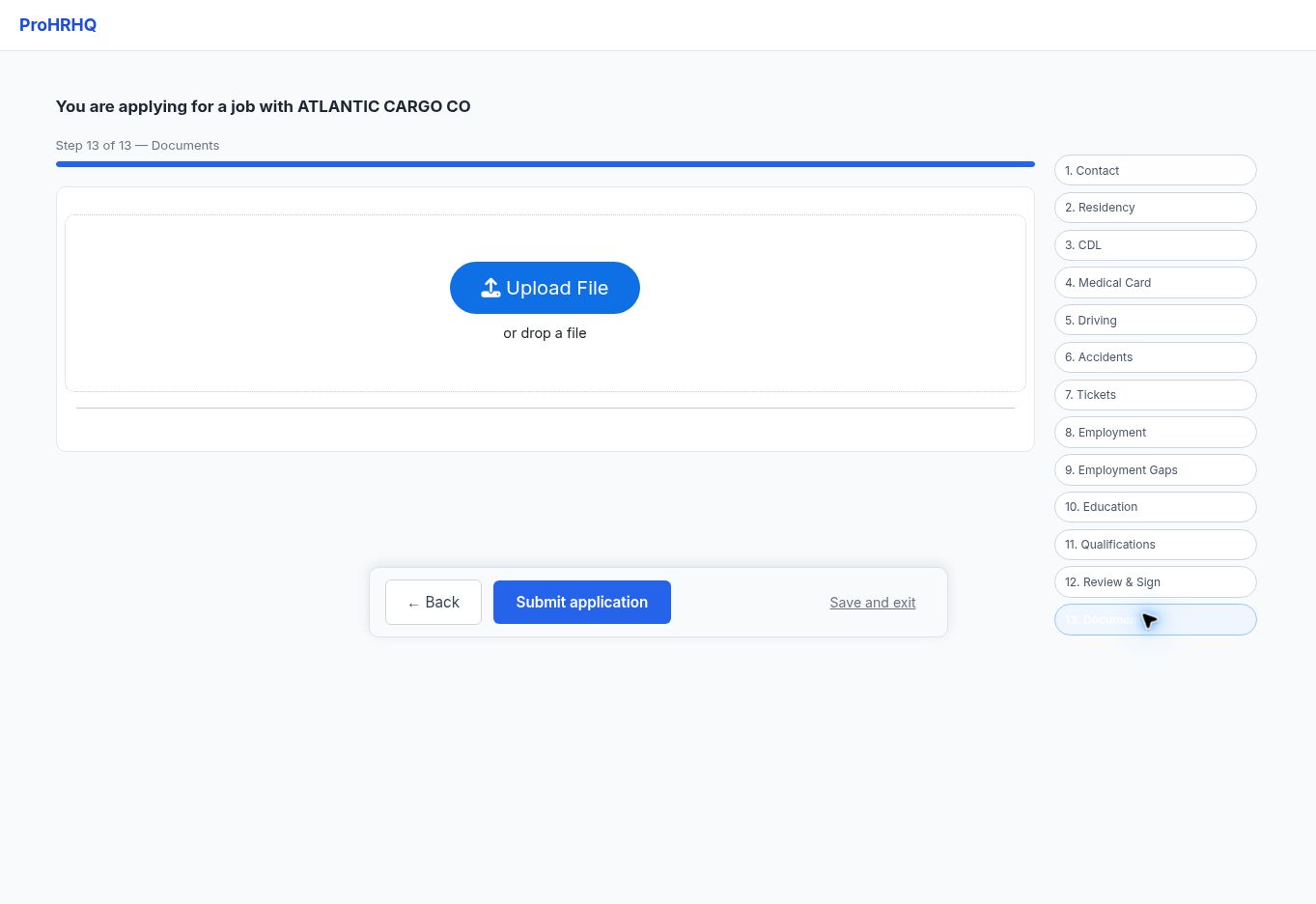
Documents and submit
Upload supporting documents and submit.
What recruiters need to know
This is a simpler driver-facing view over the existing application. It does not replace the recruiter workflow or create a second applicant system. First-time résumé parsing and later field-by-field updates both write to the same record that feeds the established carrier forms.